The print core type CC is specially designed to print with composite materials on S series printers, including the UltiMaker S3, S5, and S7. The CC print core is available with nozzle sizes 0.4 and 0.6 mm. This article provides all information on how to use the CC print cores.
Tip: Read more about the compatibility of the CC print cores on this page.
The first version of the CC print core was labeled CC Red. This was available with a 0.6 mm nozzle size and had a ruby tip in the nozzle. The next version, released in July 2021, is even more durable and has a tool steel nozzle. The CC Red 0.6 and the CC 0.6 can be used interchangeably and there are no profile differences. Learn more about the differences here.
Installing the CC print cores
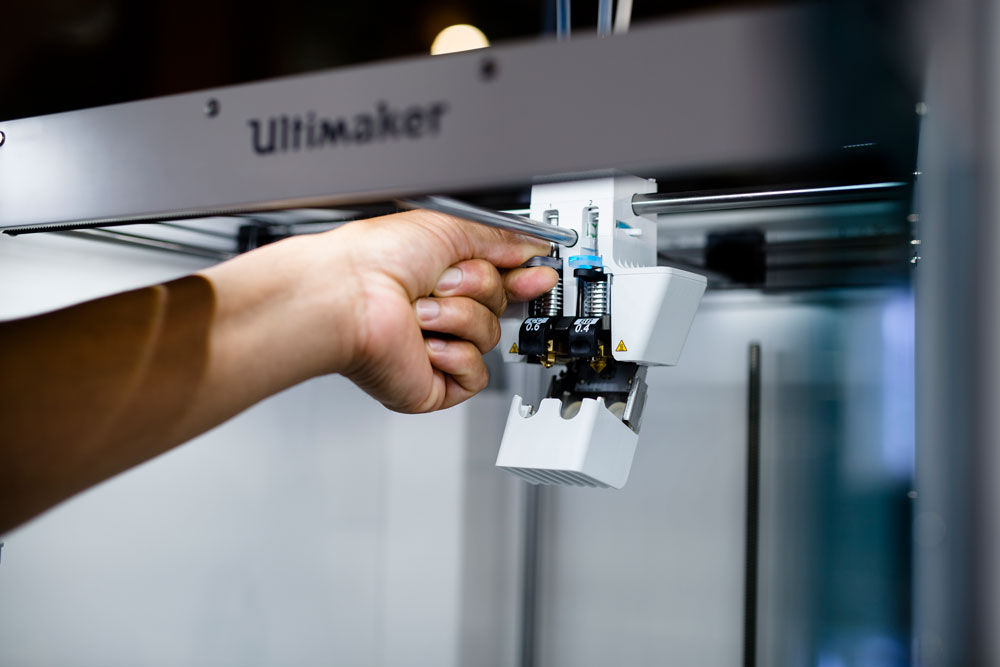
Installing the CC print cores is similar to using any of the other print cores on your S series printer. The print core can be changed, loaded, or unloaded via the configuration menu on the printer. Learn more about changing the configuration here.
Note: The CC 0.4 print core has full compatibility with Ultimaker Cura 4.10 onwards and with S series firmware 6.5 on the Latest channel or 6.2.2 on the Stable channel. For the best results, always use the latest version of the software and firmware.
Compatibility
The CC print cores are only intended for use on UltiMaker S series printers. Although the UltiMaker 3 also uses print cores, the use of the CC cores and composite materials on the UltiMaker 3 is not recommended or supported.
The reason for this is that the feeder of the UltiMaker 3 is not optimized for working with composite materials. When using composite materials on the UltiMaker 3 – even when a CC print core is installed – the ‘teeth’ of the knurled wheel inside the feeder will erode and cause unreliable material flow and under-extrusion. The knurled wheel inside the S series feeders is made from a stronger material, which means that it will not wear as fast when using composite materials.
Please be aware that continuing and using the CC print cores with the UltiMaker 3 is at your own risk and not officially supported by UltiMaker. Learn more here.
Caution: The maximum supported temperature for the CC 0.4 and 0.6 print cores is 280 °C. UltiMaker Cura will allow models to be sliced at much higher temperatures. Note that printing at temperatures above 280 °C is not recommended, and print jobs sliced with printing temperatures above 300 °C will not be accepted by the printer.
Supported materials
The CC print cores are specifically designed for use with composite or otherwise abrasive materials. Composite materials can quickly wear down and damage the nozzle of the AA and BB print cores. Composite materials, such as glass or carbon-reinforced filaments, should always be printed with the CC print cores.
The CC core is compatible with UltiMaker PET CF, and optimized profiles for PET CF in combination with the CC print cores are included in Cura 5.4. No other materials from UltiMaker's 2.85 mm portfolio are compatible with the CC core. The other materials, such as PLA, PETG, and PVA, are non-abrasive and can therefore be used with the standard AA or BB print cores.
Because of UltiMaker's open filament system and our collaboration with several leading material companies, profiles for various third-party composite materials, compatible with the CC cores, are provided via the Ultimaker Marketplace.
Maintenance
As the CC print cores are generally used for abrasive materials and used at higher temperatures, it is important to perform regular maintenance actions to keep the print cores and print head in optimal condition. Compared to the AA and BB print cores, it is necessary to clean the cores and check the quality of the nozzle cover more frequently. Each CC print core is shipped with four extra nozzle covers to keep the printer in optimal condition.
Learn more about the recommended maintenance actions when using CC print cores here.


