Available on: All current subscription plans
Note: Cura Cloud is not available not legacy Digital Factory subscriptions (Personal, Essentials, Professional, Excellence)
This article provides an overview of the different methods available to prepare your 3D models for printing using the UltiMaker Digital Factory. Choosing the right method depends on your printer model, workflow preference, and the complexity of your print.
In this article, you will learn:
- An overview of the primary methods for preparing a print.
- Which method is best suited for your needs.
Ways to Prepare Your Print
The UltiMaker ecosystem offers multiple ways to get your models from a digital file to a physical object. Each is designed to streamline your workflow, from slicing in the cloud to sending files directly from your desktop.
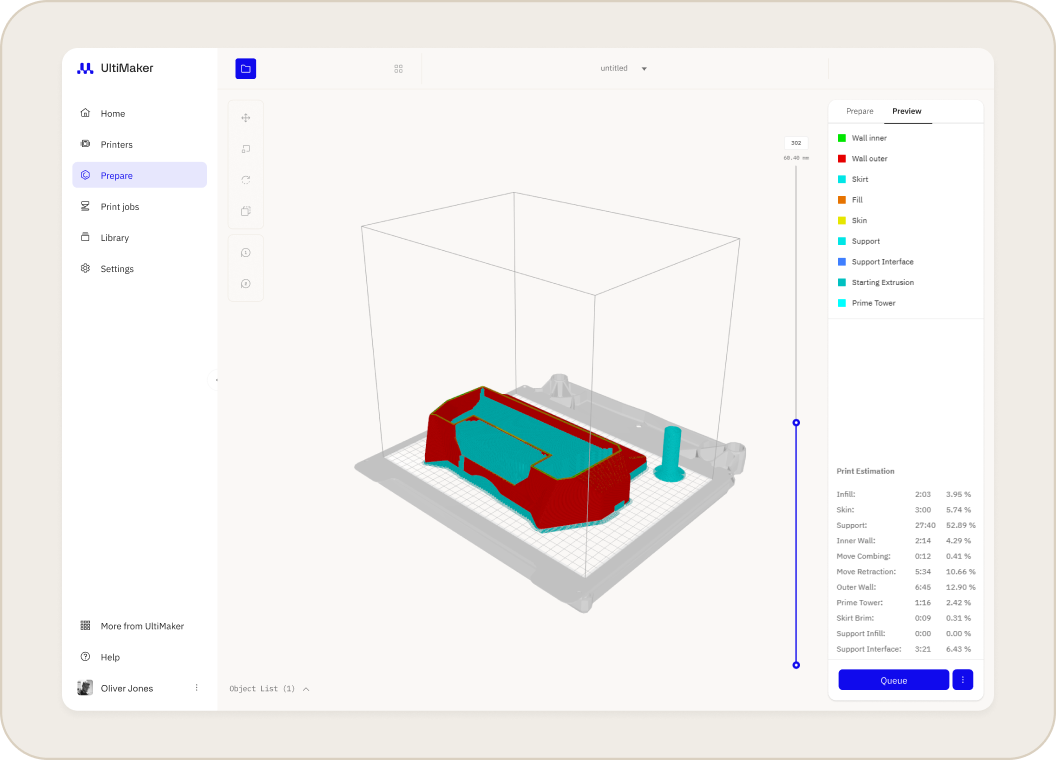
- Prepare with Cura Cloud in Digital Factory (recommended): This method allows you to use the power of the Cura engine to slice 3D models directly in your web browser. It is the most straightforward workflow, as there is no software to install, it is fully integrated with your printer queues and library, and has a simple clean interface focused around recommended settings.
- no installation needed
- always up to date
- seamless workflow
- reliable and easy to use
- Prepare in Cura Desktop and Send to Digital Factory (advanced users): This method combines the advanced slicing capabilities of UltiMaker Cura with the management features of the Digital Factory, allowing you to prepare complex prints on your desktop and then send them to the cloud for printing and monitoring.
For a detailed overview of sending files to Digital Factory, see Working with connected printers in UltiMaker Cura
Related Articles


