Applies to: All plans
Digital Factory allows you to create or be a member of multiple workspaces from a single user account. This is useful if you want to keep projects for different teams separate, or if you want to try out a new subscription plan without affecting your primary workspace.
In this article, you will learn:
- How to switch between workspaces
- How to set up a new workspace
- How to join another workspace
Switching Between Workspaces
If your account is a member of more than one workspace, you will be shown a workspace selection screen after you log in, allowing you to choose which workspace you want to access for that session.
You can also access this at anytime by going to the workspace selector in the top navigation.
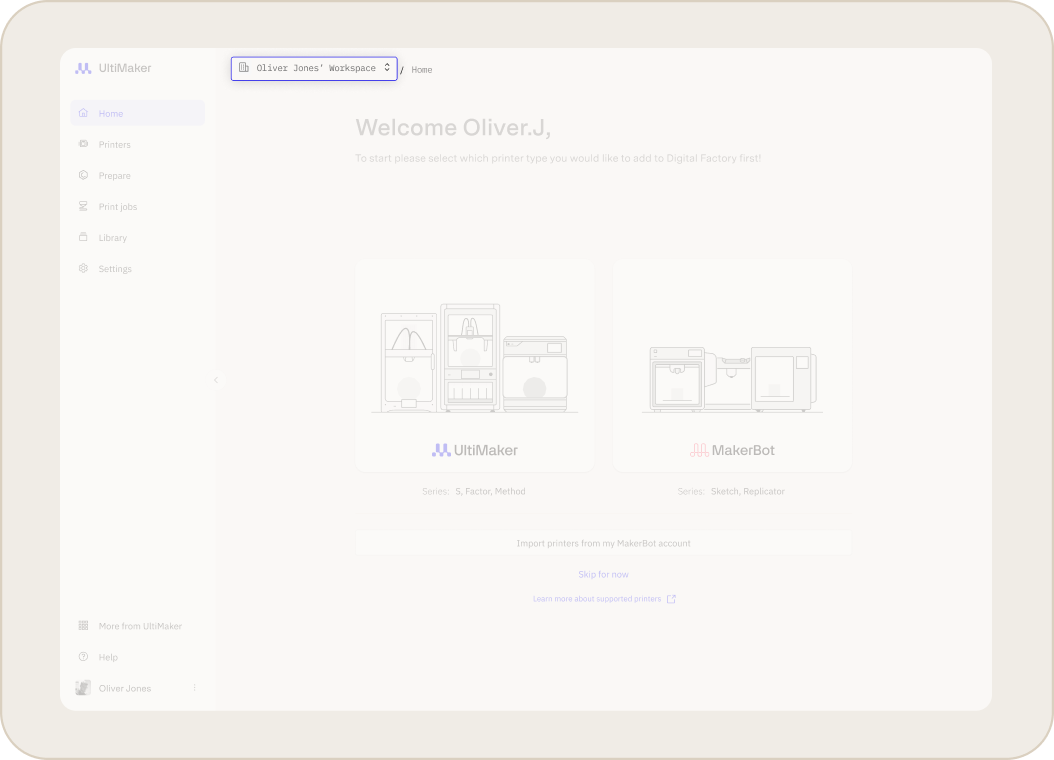
Setting up and Joining Workspaces
- Setting up a new workspace: You can create a new workspace by going to the workspace selector in the top navigation and selecting “Set Up New Workspace”
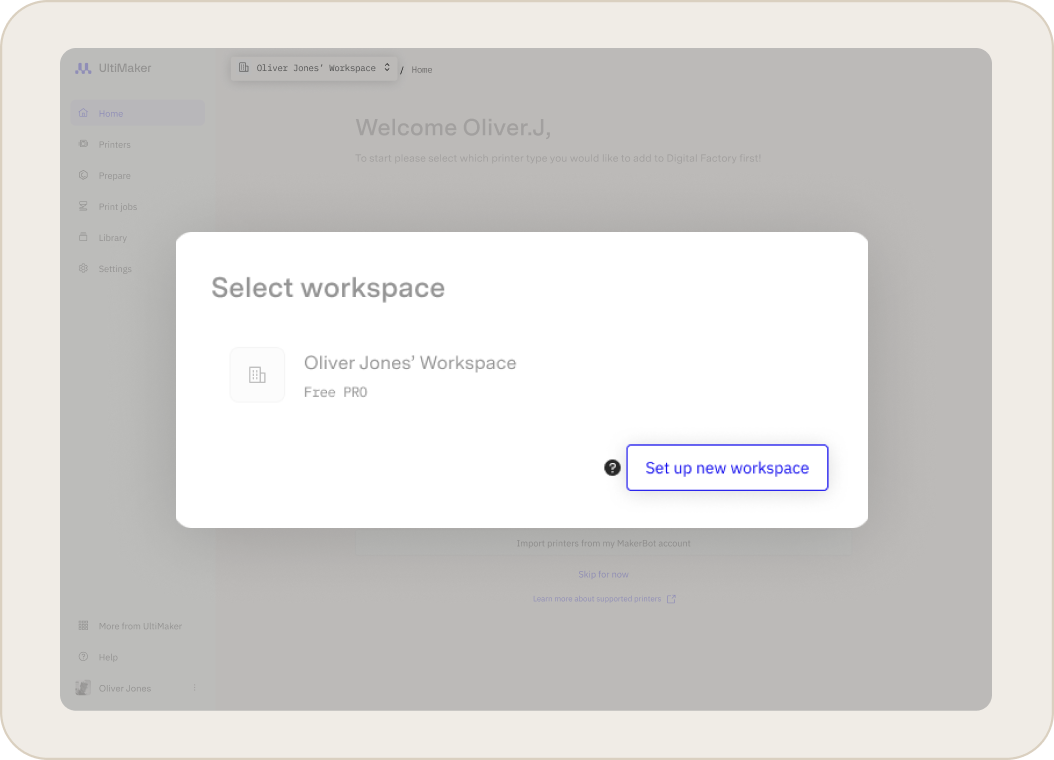
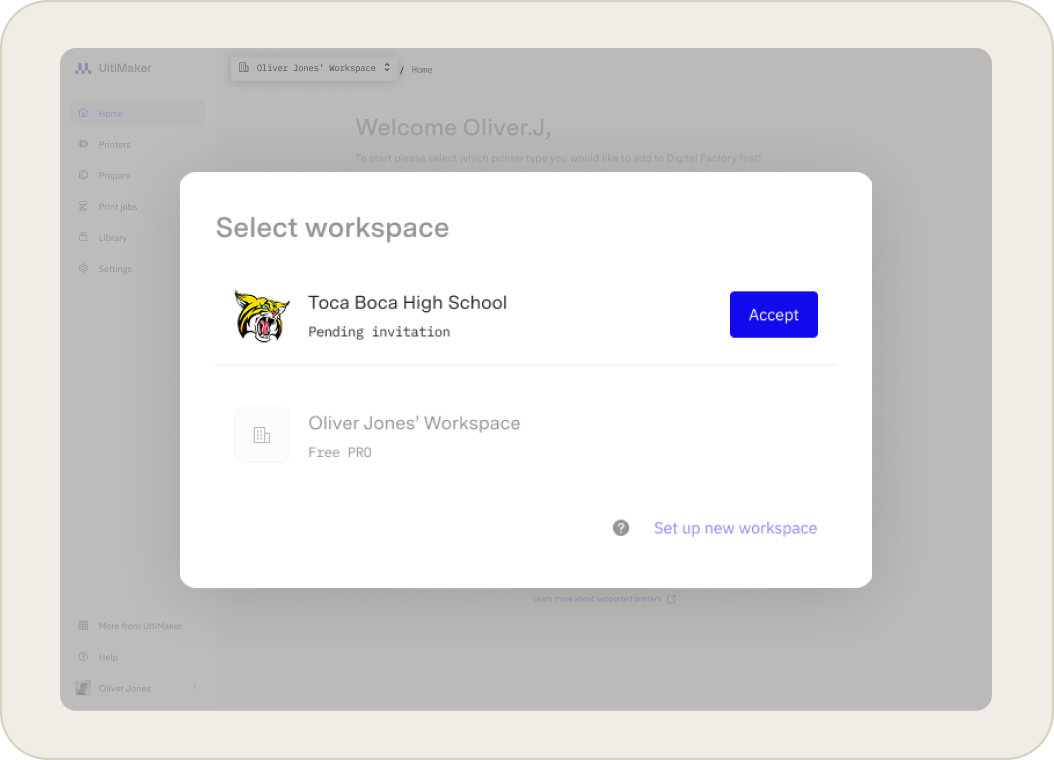
- Joining a workspace: You can always accept an invitation to join a workspace created by another user, regardless of how many workspaces you already own or belong to. New invitations will show up in the workspace selector as well as by e-mail.
Note:
(1) You can create new workspaces as long as you have not reached the maximum limit of 3 workspaces per account. If you are invited to one workspace already, you can create 2 additional workspaces.
(2) Even after reaching the limit of 3, you can continue to accept invitations to other workspaces.
Related Articles


