The filter in the Air Manager is a consumable part. It should be replaced every 1,500 printing hours to maintain proper filtering. Replacement filters can be purchased from one of our local resellers.
Caution: Do not change the filter of the Air Manager while the fan is in operation. Turn off the printer or disable it in the UltiMaker Digital Factory to make sure the fan cannot start unexpectedly.
The function of the Air Manager’s filter is to reduce the emission of ultrafine particles. These particles will remain in the filter. The used filter should be handled with care during the replacement procedure. If the used filter is not properly handled, there is a risk of ultrafine particles being released.
Instructions
- Remove the Air Manager cover.
- Take out the used filter by pulling the tab on the filter towards you and removing it from the filter housing.
- Directly place the used filter in a (resealable) bag and close it.
- Insert the replacement filter into the filter housing and gently push it. Ensure the filter is completely flush.
- Place the Air Manager cover onto the printer and turn on the UltiMaker 2+ Connect.
Tip: The filter in the sealed bag can be disposed of with your regular household waste. However, it is recommended to check local waste disposal regulations.
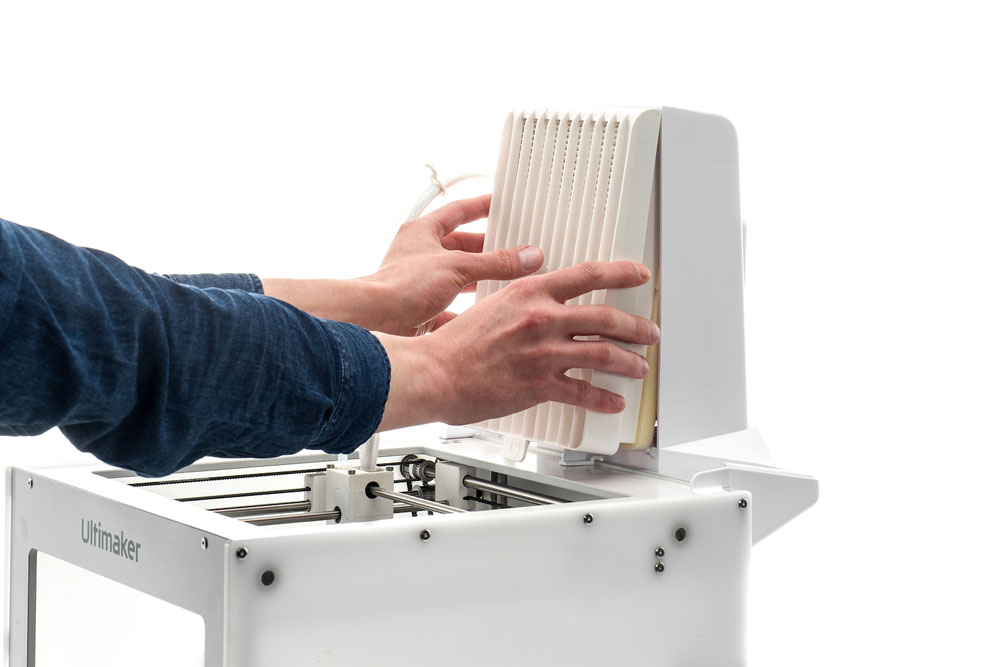 | 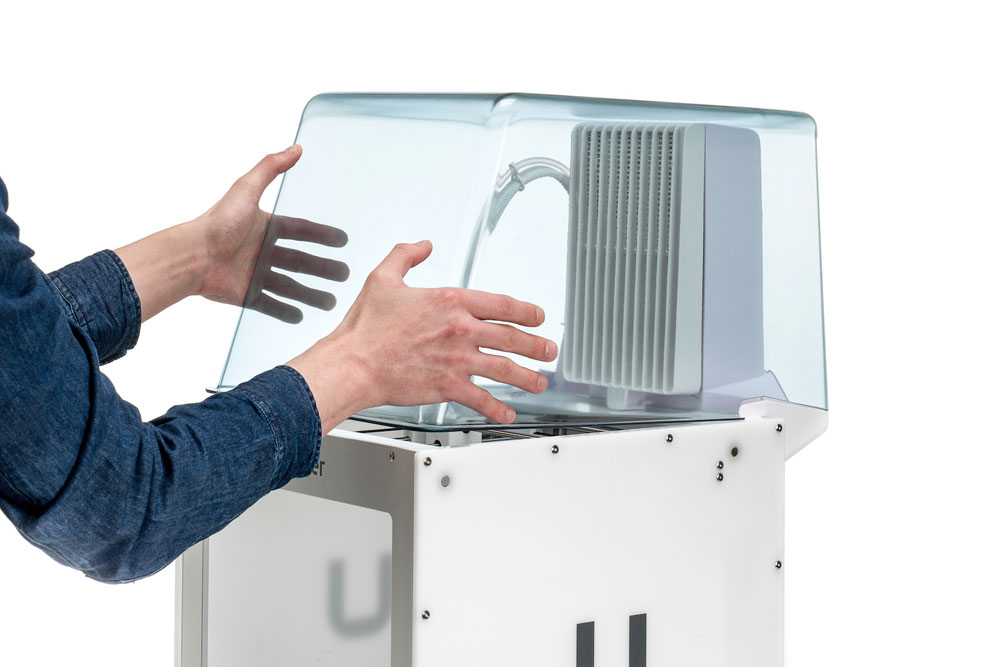 |
| Removing the filter | Placing the cover back onto the printer |


