To make sure that your print head and Z stage can move smoothly at all times, it is advised to lubricate the axles every month. If the axles feel dry, this can show in your prints as small ridges on surfaces. Apply some oil to the axles at least once a month.
A bottle of oil is included in the accessory box of your UltiMaker 2+ Connect. This oil is specifically for the smooth axles of the printer. Only use the supplied oil, as using other oils or grease may affect the coating of the axles, which can affect the performance of your printer.
Caution: Before you start, turn off the printer or ensure the UltiMaker 2+ Connect cannot accept new print jobs through the Digital Factory.
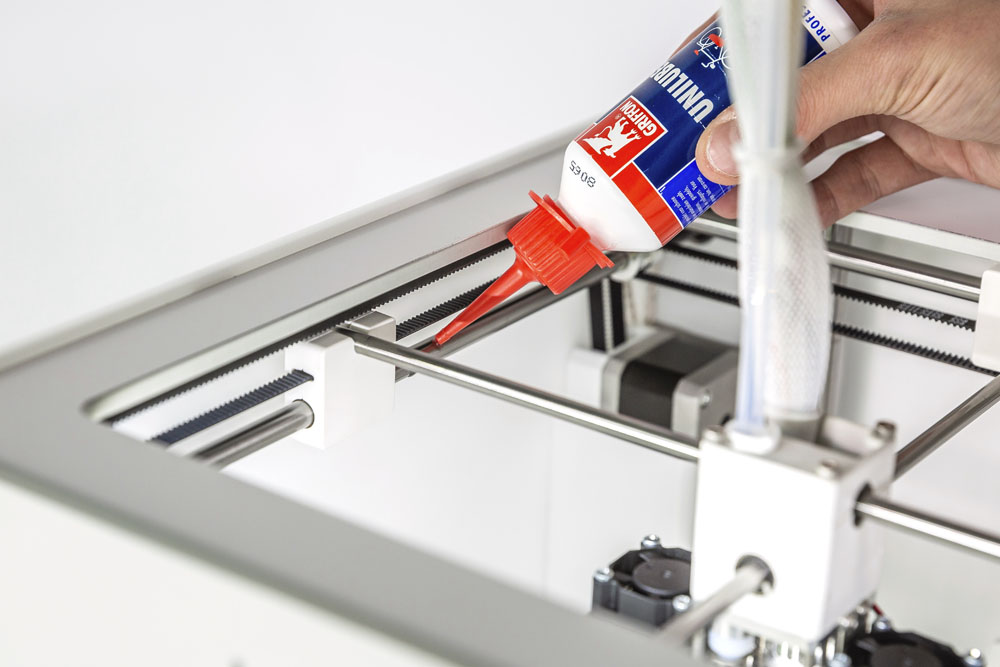
X and Y axles
Apply a small drop of oil to each of the X and Y axles as well as both print head shafts. Manually move the print head around to evenly distribute the oil.
Do not apply too much oil to the axles, as it might drip from the axles onto the build plate, which will affect print adhesion. If a drop of oil falls on the build plate, clean it thoroughly before printing.
Z axles
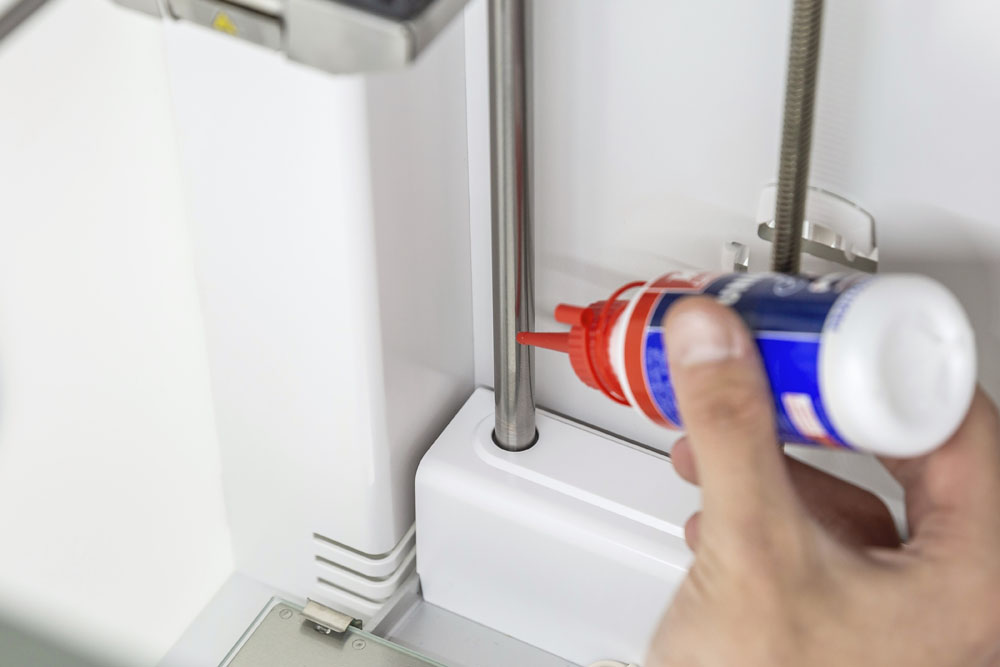
Apply a small drop of oil to each of the Z axles. Move the build plate up and down to evenly distribute the oil. This can be done manually, or through the Maintenance → Move build plate menu.
Do not apply the oil to the Z motor's lead screw. This must be lubricated with the supplied grease once every three months.
Note: Never use the grease (Magnalube or Eurol) on the smooth axles of your printer. If you have done so accidentally, make sure to thoroughly clean the shafts before applying the oil for relubrication.


